Your OpenAI API key is like a password that gives access to OpenAI’s AI models.
If someone else gets hold of it, they can use your credits, access your data, or even misuse OpenAI’s services under your account.
Reasons you might need to revoke your API key:
- Security breach – If your API key has been leaked or exposed.
- Unwanted usage – If you see unexpected usage or charges in your OpenAI dashboard.
- Old or unused keys – To keep things clean and prevent potential security risks.
- Rotating keys – As a best practice, you should generate and revoke keys regularly to minimize security risks.
How to Revoke OpenAI API Keys
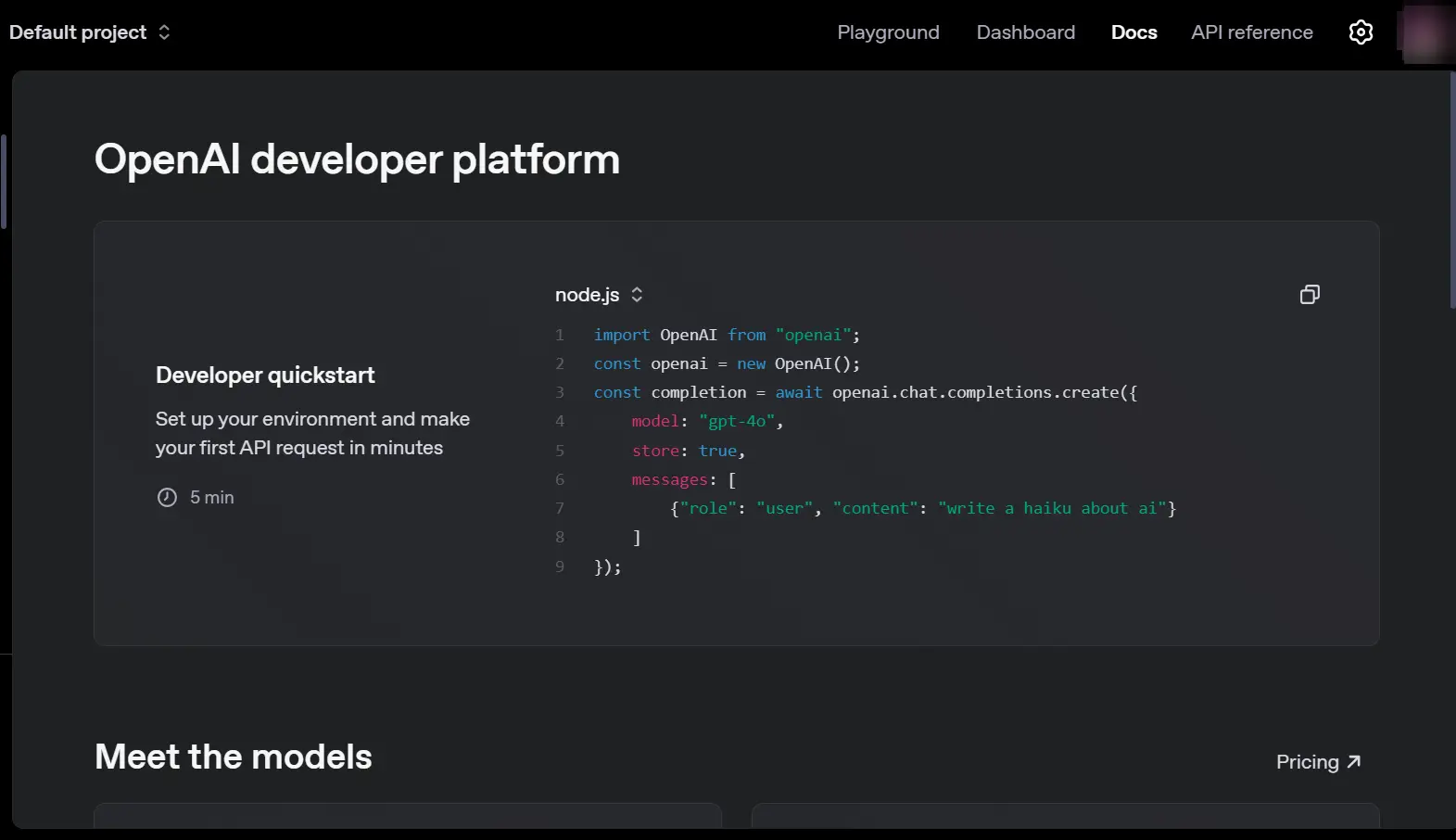
Revoking an API key is simple and takes only a few steps:
1) Log in to your OpenAI account
Go to the OpenAI platform and sign in with your credentials.
2) Open the API keys section
- Click on your profile picture in the top-right corner.
- Select “View API Keys” from the dropdown menu.
3) Find the key you want to revoke
- You’ll see a list of all the API keys associated with your account.
- Identify the one you want to revoke.
4) Click “Revoke”
- Next to the API key, you’ll see a “Revoke” button.
- Click it and confirm your action.
⚠ Warning: Once revoked, the API key cannot be used again. You’ll need to generate a new key if you still need access.
What happens after revoking an API key?
- Any services using the revoked key will stop working. If you’ve integrated the API into a website, app, or script, those services will lose access.
- You’ll need to update your code with a new key. If you revoke an active key, make sure to replace it with a new one in your application.
- Your OpenAI account remains active. Revoking a key doesn’t affect your OpenAI subscription or other keys you’ve generated.
How to Replace a Revoked API Key
If you revoked a key by accident or need a new one, follow these steps:
1) Generate a new API key
- Go to the API Keys page in your OpenAI account.
- Click “Create API Key.”
- Copy the new key and store it in a secure place.
2) Update your code or integrations
If your app or website was using the revoked key, you’ll need to replace it in your environment variables or code.
For example, if you’re using Python:
import openai

import os

# Set new API key

openai.api_key = os.getenv("NEW_OPENAI_API_KEY")
3) Test your API requests
Run a test request to ensure the new key is working.
response = openai.ChatCompletion.create(

    model="gpt-4",

    messages=[{"role": "user", "content": "Test message"}]

)

print(response["choices"][0]["message"]["content"])
FAQs on Revoking OpenAI API Keys
1) Can I undo a revoked API key?
No. Once you revoke an API key, it cannot be restored. You may only generate a new one.
2) What if I revoked a key that was in use?
Any application using that key will stop working immediately. You’ll need to replace it with a new key and update your application.
3) Can I have multiple API keys at once?
Yes! OpenAI allows you to generate multiple keys. This is useful for different projects or team members.
4) How often should I revoke and regenerate my API keys?
If you work with sensitive applications, it’s good practice to rotate your keys every few months for security reasons.
Final thoughts
Revoking an OpenAI API key is an essential security measure. If you suspect unauthorized use, leaked credentials, or simply want to follow best security practices, revoking and regenerating keys is the right move.
Remember to always keep your keys private, use environment variables, and monitor your usage regularly!